The Opportunity Most Nonprofits Are Leaving on the Table
Google offers eligible nonprofits up to $10,000 per month in free Google Ads through its Ad Grants program. That is $120,000 per year in advertising that could be driving donations, volunteer signups, event registrations, and awareness for your cause.
Here is the problem: the average Google Ad Grant account spends just $300 of that $10,000. Not because the grant is hard to get, but because it is hard to use well.
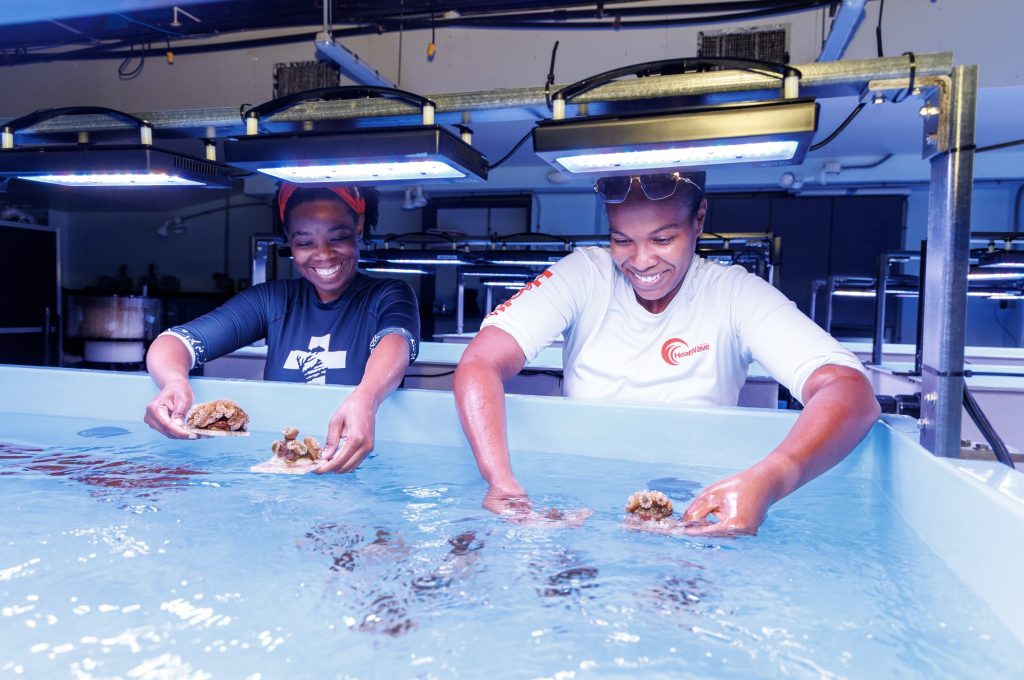
We manage Google Ad Grants for nonprofits working in marine conservation, education, and community development. Here is what we have learned about turning that grant from a line item into a real growth engine.
What Is the Google Ad Grant?
The Google Ad Grants program gives eligible 501(c)(3) organizations (or equivalent charitable status in Canada and other countries) up to $10,000 USD per month in Google Search advertising. Your ads appear alongside paid ads when people search for terms related to your mission.
The grant is available globally. Canadian registered charities, UK charities, and nonprofits in dozens of other countries are all eligible through Google for Nonprofits.
Eligibility requirements
- Hold valid charity status in your country
- Be registered with Google for Nonprofits (through TechSoup or equivalent)
- Have a website with substantial content about your mission
- Meet Google website policy requirements (SSL certificate, no commercial activity as primary purpose)
Why Most Nonprofits Underperform with Their Grant
The grant comes with restrictions that make it fundamentally different from a regular Google Ads account. Understanding these restrictions is the first step to working within them effectively.
The key constraints
- Text ads only on Google Search. No display ads, no video ads, no Performance Max campaigns.
- $2.00 maximum cost-per-click. This cap means you cannot compete on high-value commercial keywords. You need to find the keywords where your mission naturally has authority.
- 5% click-through rate minimum. Google will suspend your account if your CTR drops below 5% for two consecutive months.
- Geo-targeting required. You must target specific locations.
- No single-word keywords (with limited exceptions for branded terms).
The Mission Alignment Problem
This is where most agencies get it wrong. They optimize for spend and click volume, not for mission impact. We took over a nonprofit Google Ad Grant that a previous agency had been managing. The campaigns were spending well and the click-through rates looked healthy. But the top-performing campaign was driving traffic for internship searches, not for the organization’s actual programs, research, or donation pages.
The metrics were green. The impact was zero.
When we rebuilt the campaigns around the organization’s real priorities, the traffic started actually serving the mission, and conversions on donation and program pages increased significantly.
A Practical Framework for Grant Campaign Strategy
1. Map your mission to search intent
Before you write a single ad, map out the core pillars of your organization’s work. For each pillar, identify what people would actually search for when looking for that type of help, information, or organization.
2. Build campaigns around organizational priorities
Each campaign should align with a strategic priority: fundraising, program awareness, volunteer recruitment, event promotion, or educational content. Do not build campaigns around keywords. Build them around goals.
3. Write ads that qualify clicks
With a 5% CTR requirement, you need clicks. But you also need the right clicks. Be specific in your ad copy about who you are, where you work, and what the landing page offers.
4. Maintain compliance proactively
Google will suspend your account for CTR drops, policy violations, or inactivity. Set up a monthly review cadence: pause underperforming keywords, refresh ad copy quarterly, and ensure all landing pages stay current.
Should You Apply?
If you are a registered nonprofit with a website that communicates your mission clearly, the answer is almost certainly yes. The application process through Google for Nonprofits typically takes two to four weeks. The grant itself is free. The ongoing management is where the real investment lies.
Getting Started
If your nonprofit is not yet using the Google Ad Grant, here is the path forward:
- Register with Google for Nonprofits (you will need your charity registration number and a TechSoup validation token)
- Ensure your website meets Google requirements: SSL, substantial content, clear mission statement
- Apply for the Google Ad Grant within your Google for Nonprofits account
- Set up your Google Ads account with proper conversion tracking before launching campaigns
- Build campaigns aligned with your organizational priorities, not just keyword volume
How Ideahack manages Google Ad Grants
Ideahack is a Vancouver agency, and Google Ad Grant management is part of what we do for nonprofits every month. That covers eligibility and Google for Nonprofits validation, conversion tracking set up before a single ad runs, campaigns built around your real programmes, compliance monitoring against Google’s current policy so the account keeps running, and a monthly report on the donations, sign-ups and registrations the grant actually produced.
If your grant has been running untouched for a while, or it’s been paused, we’ll look at the account first and tell you honestly whether it’s worth fixing before you commit to anything. Get in touch and we’ll start there.
The grant is one of the most underused tools available to nonprofits. Used well, it puts your mission in front of the people already searching for exactly what you do.